

Screenshots

 Watch trailer on Steam ↗
Dream about yoU
雏形游戏 · Published by 雏形游戏
Very Positive — 91% positive (159 reviews) · 20 achievements
Last updated 28 Sept 2026
A dashing blond partner drops in from the sky, declaring they're taking responsibility for you—but they need a small favor.Find them in your dreams, wake them up, and crack the dream maze. Sci-fi comedy, adventure starts now!
£7.15
Lowest price we've ever recorded
View on SteamPrices can lag the live Steam store — always confirm before buying.
Price history
Adventure, Indie, RPG · 2026 · More £5 - £15 games
Explore a dream world filled with puzzles and humor as you interact with a mysterious blond partner who drops into your subconscious. Released in 2026, this indie RPG invites you to unravel the mysteries of the dream maze together.
About this game
OUT NOW

⚠️the Mac version currently does not support achievements.
About the Game
Dream about yoU is a story-driven narrative puzzle game
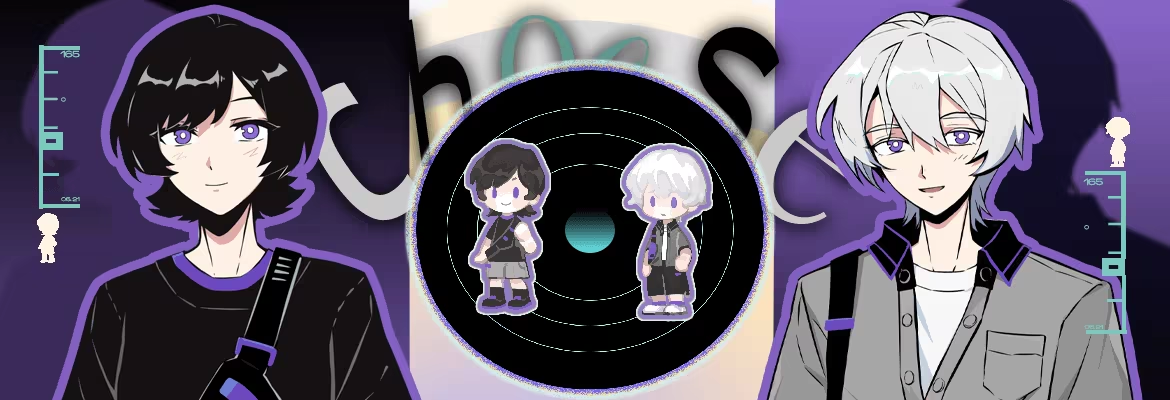
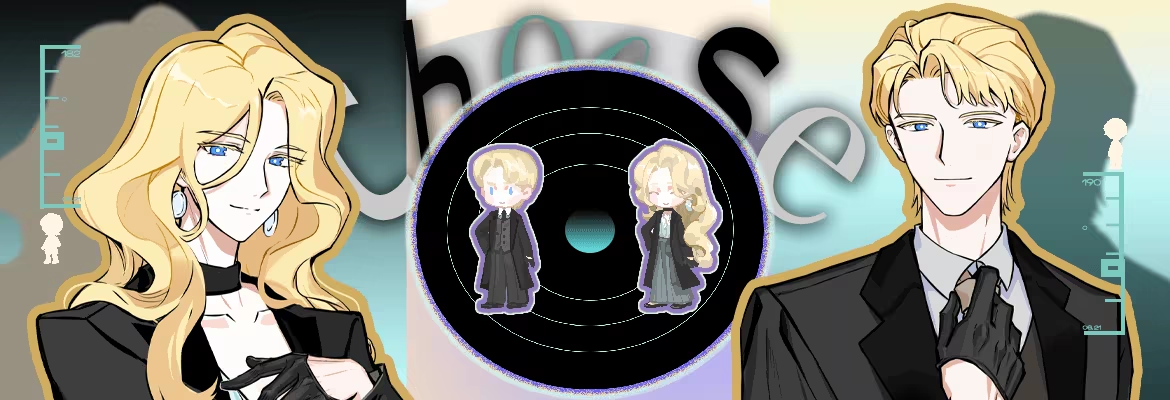
You're free to choose the gender of both the protagonist and your partner
Your choices affect everything visible: character portraits, sprites, dialogue, forms of address, CGs, and more
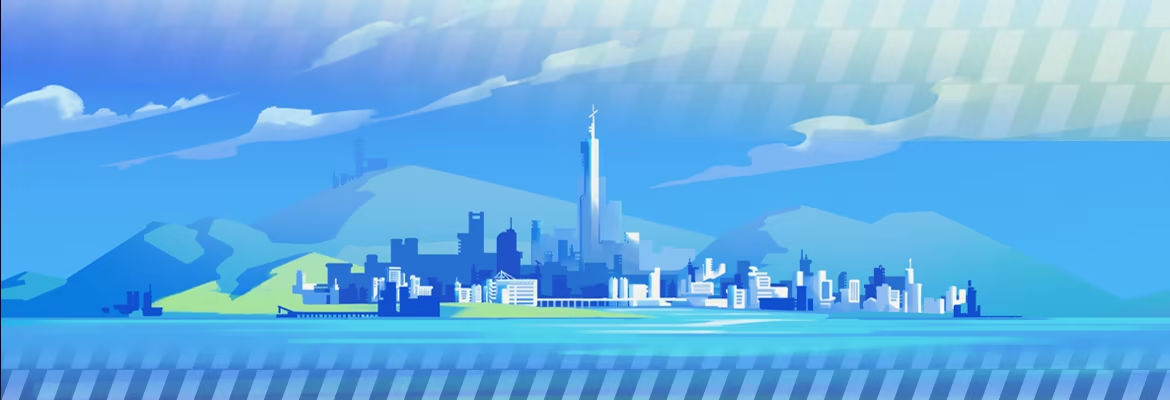
IIn 204X, rising seas have swallowed the land. Humanity lives on artificial islands,
with the intelligent system ELYSION running society.
People believe everything will be *better*.
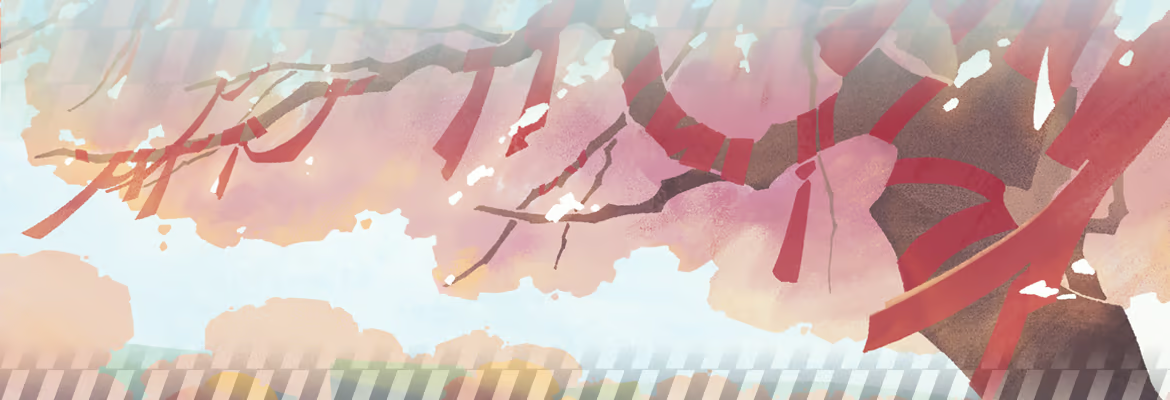
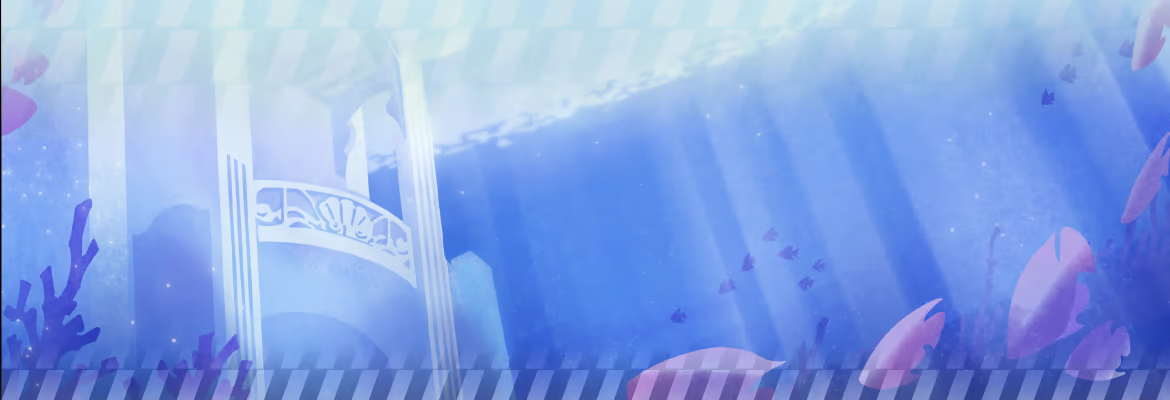
You will dive into dreams, traveling from mountain villages to underwater castles.
Fulfill people's heartfelt wishes and uncover the massive secret hidden within yourself.


System Requirements
Will my PC run this? →Minimum
- Requires a 64-bit processor and operating system
- OS: Windows 10
- Processor: Intel Core i3-7100
- Memory: 16 GB RAM
- Graphics: NVIDIA GTX 1050
- DirectX: Version 11
- Storage: 4 GB available space
- Sound Card: 能播放声音即可
Recommended
- Requires a 64-bit processor and operating system
- OS: Windows 10
- Processor: Intel Core i5-9600
- Memory: 16 GB RAM
- Graphics: NVIDIA GTX 1660
- DirectX: Version 11
- Storage: 6 GB available space
- Sound Card: 能播放声音即可
Supported Languages
Latest news
Patch NotesOfficial
v1.2.3
修复了序章一处小概率导致出现问题的地方。Read full article on Community Announcements (CRUCIS)Patch NotesOfficial
v1.2.2
1、更新了开幕图片,针对卡顿情况进行了提示。 2、优化了在选主角和选搭档时的存档提示。现在选过一次要存档后,下一次回到选角时,不会再弹出存档提示了。 3、修复了某些物品能被使用掉的问题。 —————————————————— 1、Updated opening image; added a stuttering warning prompt. 2、Improved save prompt behavior in character/partner selection – now only appears once per save. 3、Fixed a bug where some items could be incorrectly consumed.Read full article on Community Announcements (CRUCIS)Patch NotesOfficial
v1.2.0 DEBUG
尝试修复了拨打电话时,小概率程序报错的问题。 优化了拨打电话的按键触发速度。 —— Attempted to fix a rare program error that could occur during phone calls. Optimized the button trigger speed for making phone calls.Read full article on Community Announcements (CRUCIS)AnnouncementsOfficial
FAQ – Frequently Asked Questions ~
Dear Players, please make sure to update to the latest version before playing. You can find the version number in the lower-left corner of the title screen~【FAQ】A: Experiencing video stuttering or crashes? Try the following:Open Windows Settings → System → Display → Graphics (or "Graphics settings").Click "Browse" and locate your game's .exe file to add it. (You can find the game folder via Steam Library → right-click the game → Manage → Browse local files.) After adding, click on the program and select "Options". In the pop-up window, choose "High performance" and make sure your dedicated GPU (e.g., NVIDIA RTX 3060) is displayed below. Click Save, then restart the game.This is usually because the system defaults to using the integrated graphics card instead of your dedicated GPU.B: Walking too slow? Press the R key or Shift key to toggle running, or enable "Always Run" in the game settings.C: Maps lagging? This may be due to insufficient GPU rendering power. If you have a dedicated graphics card, please check item A above. Alternatively, you can turn off "Map Filter" in the game settings to reduce rendering load.Important Note: If you played on a version earlier than 1.0.6 and selected a partner multiple times during the partner selection process, you may encounter a bug where character sprites appear incorrectly. If this happens, you will need to revert to a save file from the partner selection stage and replay from there. We apologize for the inconvenience!If you enjoyed the game, we would truly appreciate it if you could leave us a positive review on Steam – it means the world to us! QAQRead full article on Community Announcements (CRUCIS)Patch NotesOfficial
v1.1.8
Fixed various localization issues.Read full article on Community Announcements (CRUCIS)


