

Screenshots

 Watch trailer on Steam ↗
Meow Time: cozy cat room
Gloamfire Games · Published by Gloamfire Games
Last updated 28 Sept 2026
Decorate a cozy little room, raise an adorable kitten, and improve your focus with a variety of simple and practical tools. Spend this wonderful time with your cute kitten! The longer you spend with your feline friend, the more surprises await you!
Indie, Simulation, Casual · More free games
Design a cozy retreat for your feline friend in Meow Time: Cozy Cat Room. As you nurture your kitten, discover unexpected surprises that enhance both your focus and the room's charm.
About this game
Meow Time: Cozy Cat Room
Decorate a cozy little room and spend your focus time with a tiny cat who keeps you warm company. 🐱
Meow Time is a gamified focus tool. Decorate a cozy little room, raise an adorable kitten, and improve your focus with a variety of simple and practical tools. Spend this wonderful time with your cute kitten! The longer you spend with your feline friend, the more surprises await you!
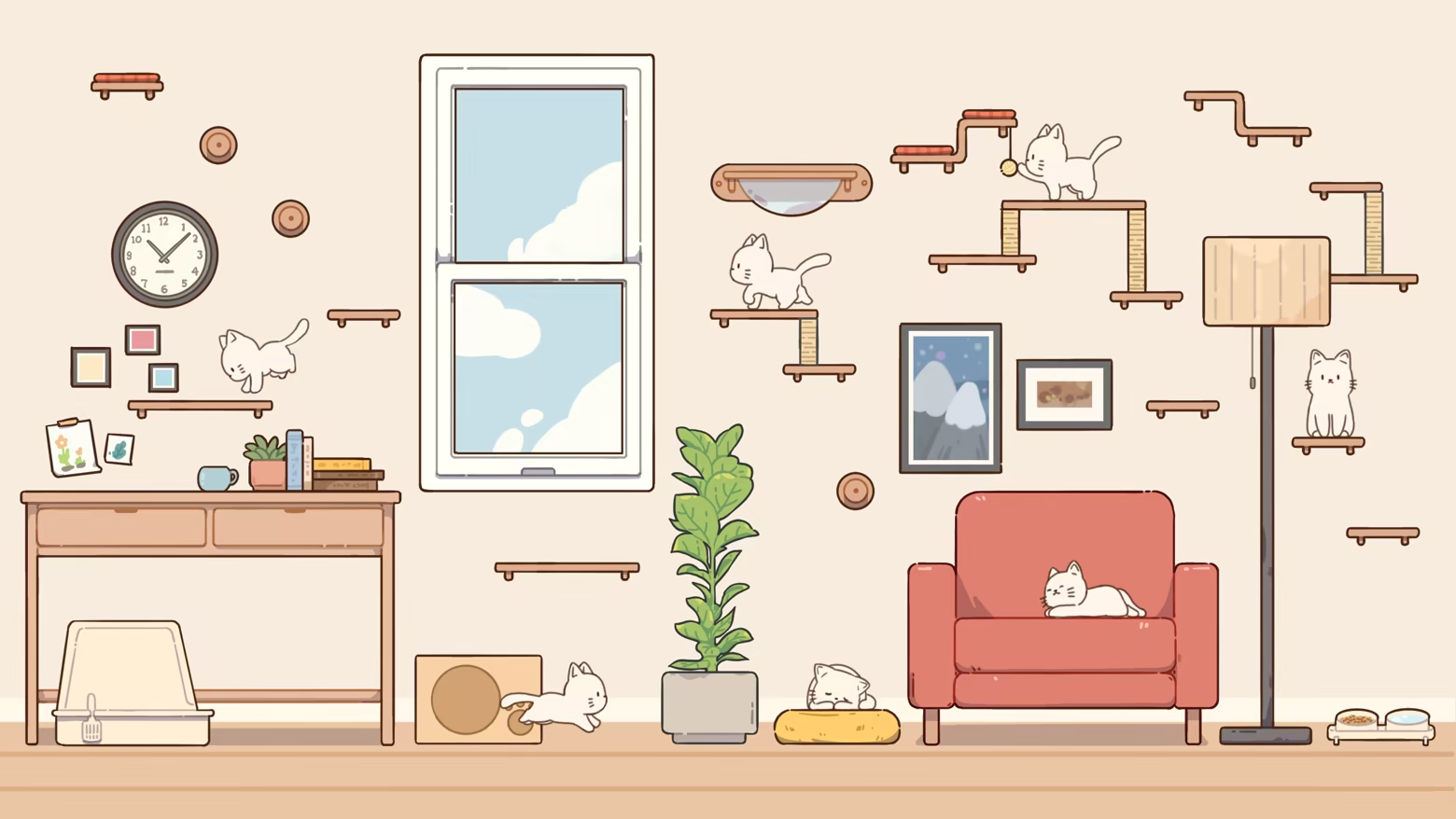
- Game Features -
🐱A cute little cyber-cat who keeps you company
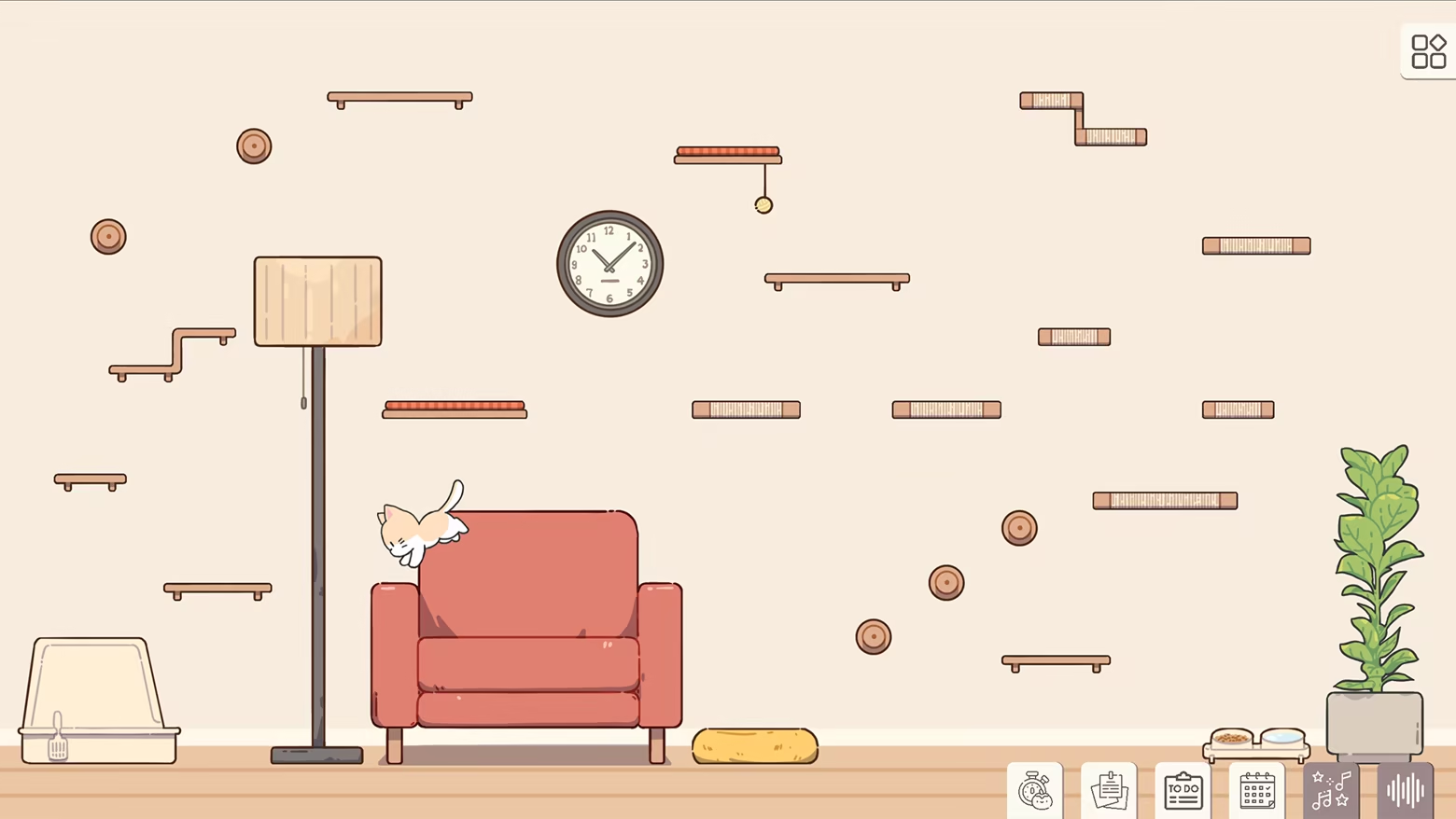
Raise an adorable cat who lives in your cozy room. Watch them play, parkour across furniture, nap in sunbeams, or simply sit and stare at you… just like a real cat would. Do cyber-cats dream of digital fish?
While you focus on your own tasks, your cat entertains itself (or causes some minor chaos ψ(`∇´)ψ ).
Sometimes it’ll come over to gently interrupt you—that’s your reminder to take a well-deserved break.
When you’re resting, you can interact with your cat, play with it, or just enjoy a quiet moment together.
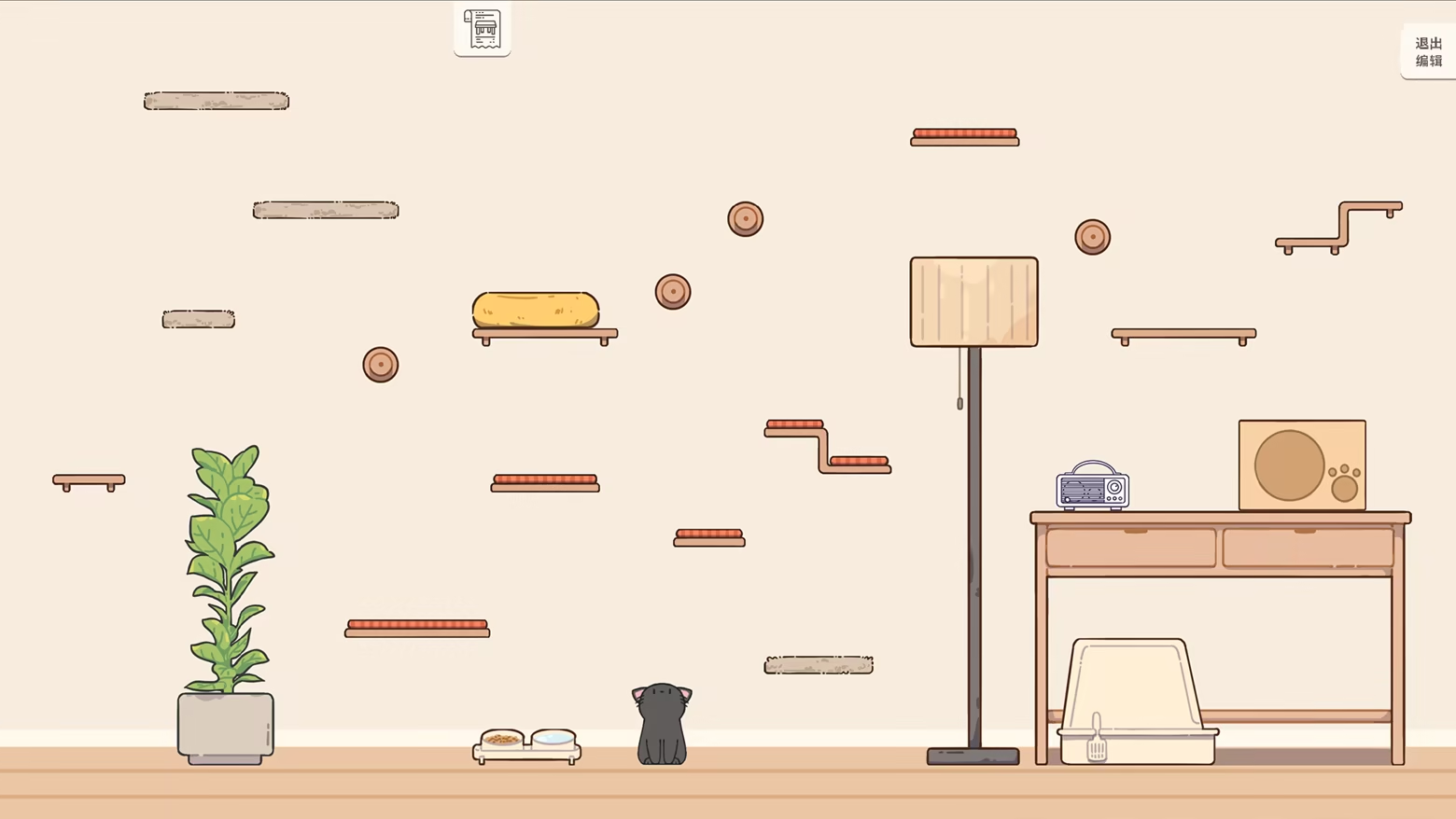
🛋️ Decorating a cozy room for your cat is part of the fun
Use furniture, decorations, plants, and cat towers to design a cozy room that belongs to both of you.
New sofa getting scratched already? 👉 Time to buy a scratching post.
Why is the cat always standing on the desk? 👉 Maybe it wants a higher place to climb. Let’s add more tiers to the cat tree on the wall?
Cleaning the litter box again? 👉 Earn more fish through focus sessions and unlock the fully automatic litter machine! (Artist: Haha, not drawn yet, smileface.jpg)
These playful little moments can stay…
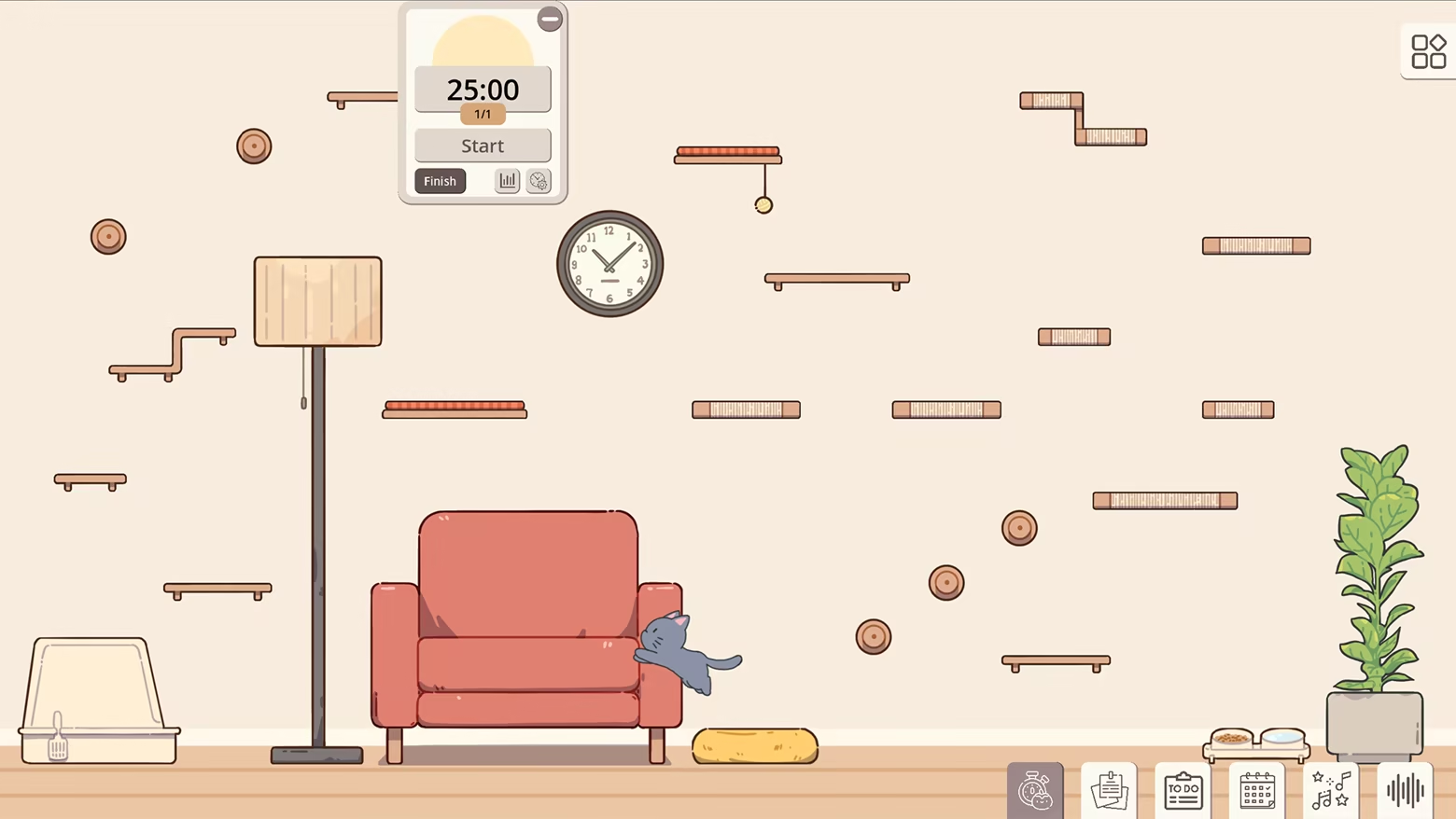
✏️ Hand-drawn art and lively cat animations
Every piece of furniture, decoration, plant and cat item is hand-painted to create a warm, gentle atmosphere.
The whole room is drawn with soft lines and cozy colors, making it feel like a little space you can truly settle into.
Your cat’s movements are animated frame by frame, so every stretch, jump, paw-lick and sleepy curl-up looks natural and full of personality.
Sometimes it lies quietly and watches you work.
Sometimes it dashes across the room without warning.
Sometimes it scratches the sofa when you’re not looking, or buries its whole face in the food bowl as if it has a secret mission.
Watching these tiny moments is part of the charm.
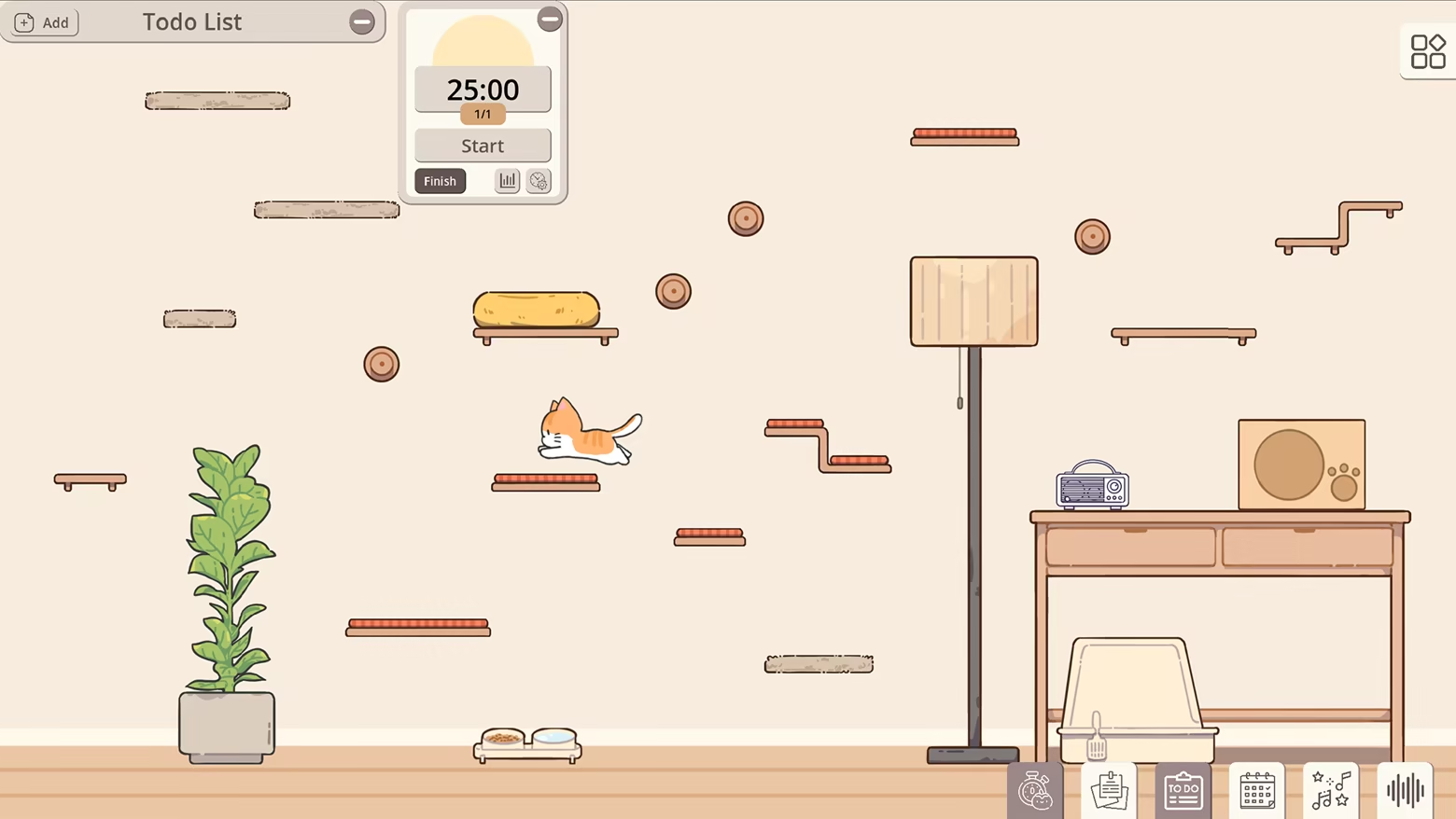
⌛ Useful productivity tools
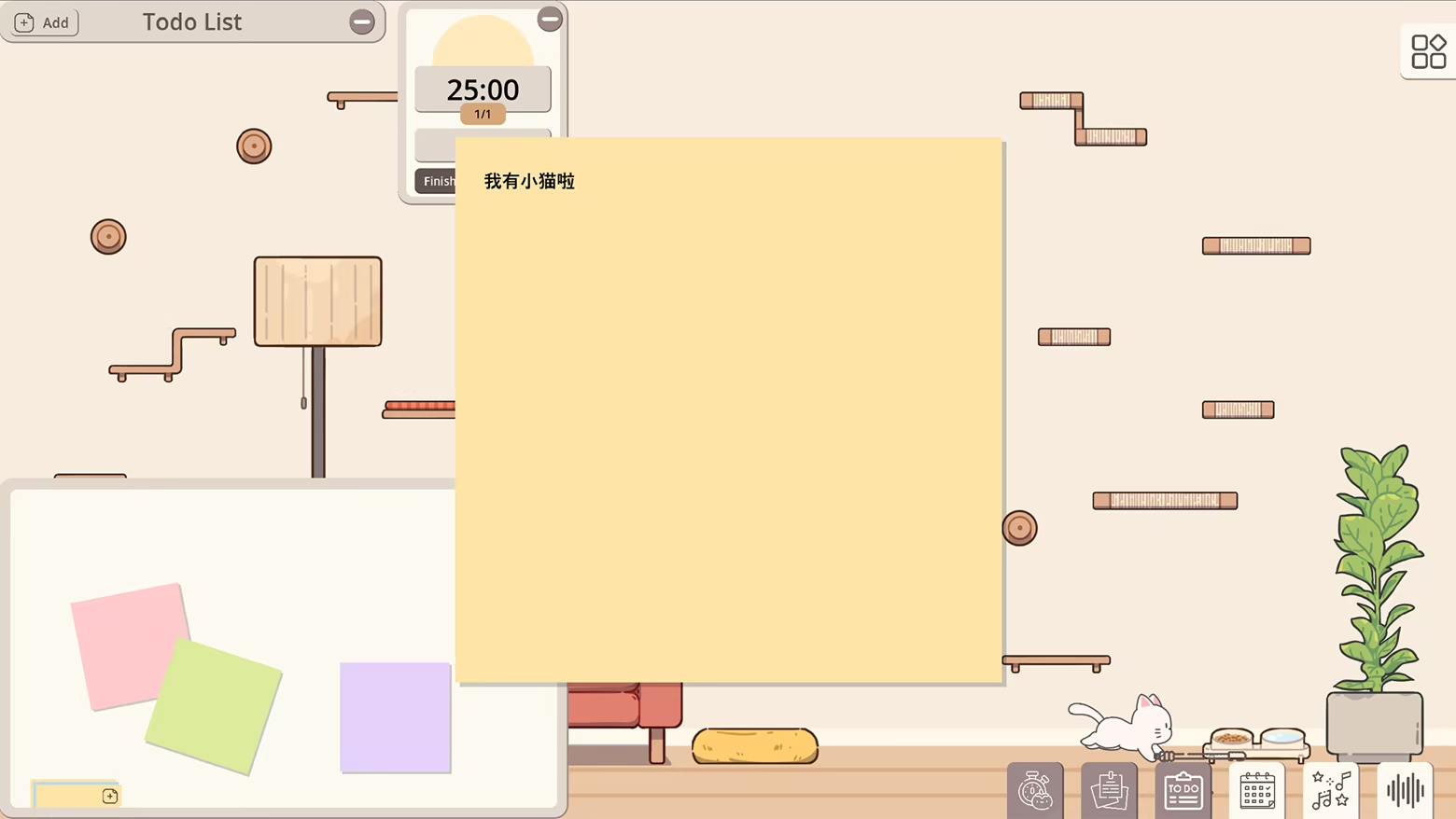
Stay focused with built-in productivity features:
Pomodoro timer & custom timers
To-do lists
Sticky notes
Daily logs & focus stats
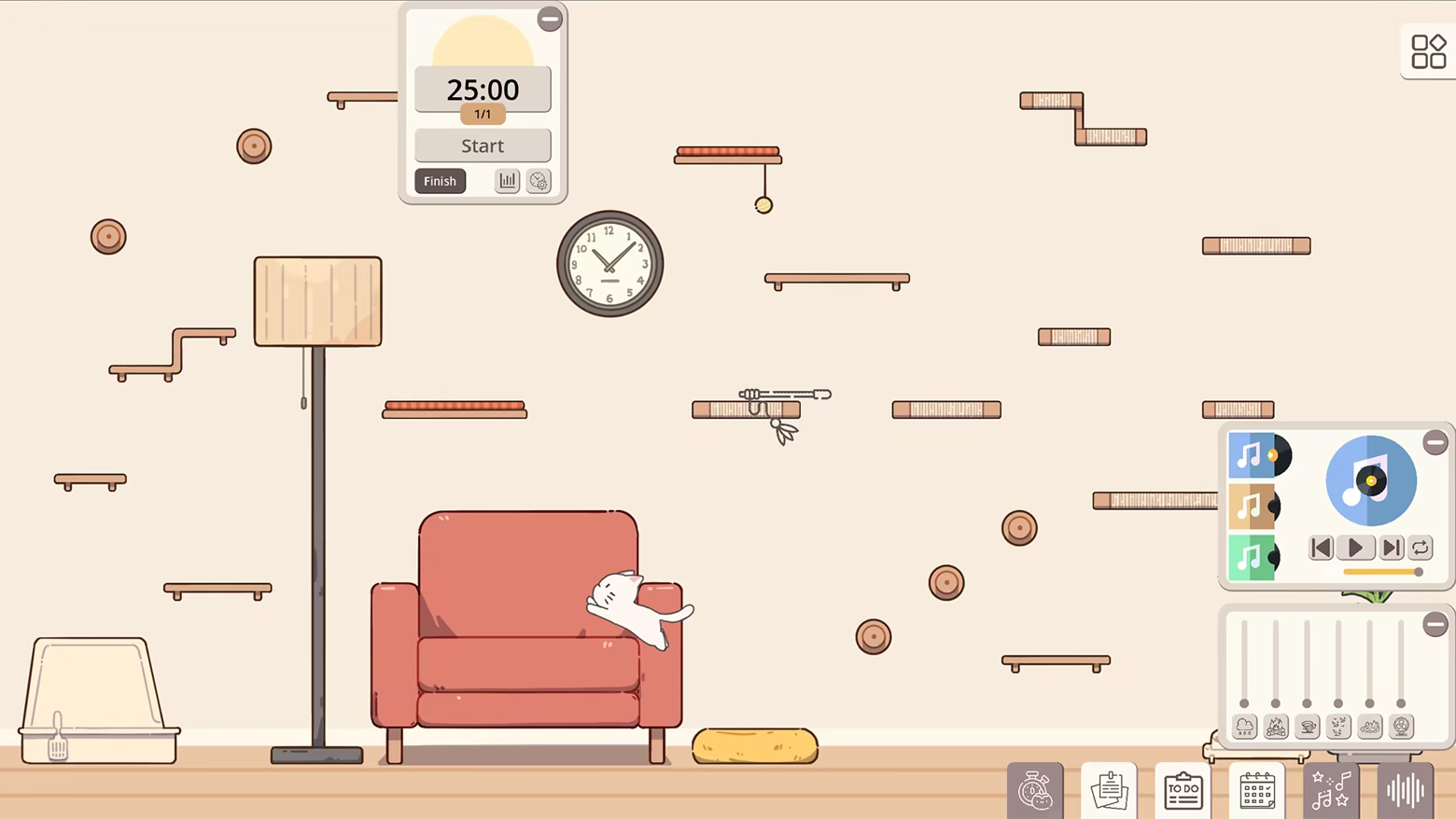
Prefer studying during a thunderstorm?
Maybe the crackling fireplace helps you concentrate?
Or perhaps you love summer bird chirps or the hum of an old fan?
Use the white-noise controller to build your perfect atmosphere.
(A music player with curated lo-fi playlists is planned for future updates.)
🎁 Earn rewards & discover random cozy events
Complete focus sessions to earn fish, which you can use to unlock new furniture, toys, and decorations.
New cat behaviors appearing as your bond grows. You may also come across small surprise events like, a mysterious gift from your cat, or a knocked-over vase revealing something unexpected……(Artist: What? Another vase to draw? Programmer: I also need to write the vase-breaking behavior code! Did I say anything?)
Each day brings gentle surprises that make your cozy room feel alive.
- In full production, please stay tuned -
System Requirements
Will my PC run this? →Minimum
- OS *: Windows 7(or Higher)
- Processor: Dual-core from Intel or AMD at 2.0GHz
- Memory: 2 GB RAM
- Graphics: Integrated GPU
- Storage: 1 GB available space
- Sound Card: Any
Recommended
- OS: Windows 10(or Higher)
- Processor: 4-core from Intel or AMD at 2.0GHz
- Memory: 4 GB RAM
- Graphics: Dedicated GPU
- Storage: 2 GB available space
Supported Languages
Latest news
Patch NotesOfficial
Hotfix Notes: Several Bug Fixes
Hello everyone!Since the release of the Demo, we’ve received some bug reports from players. Most of these issues have already been fixed in the full version currently in development. We truly appreciate all your support and the love you’ve shown for the game.This small update addresses two issues that had not yet come to our attention and therefore had not yet been fixed in the full version currently in development:Fixed an issue where the alarm clock could not be placed on furniture surfacesFixed an issue where the weather scene outside the window did not fully cover the screen at ultrawide resolutionsThank you again for your continued support, and to everyone who has taken the time to report an issue. We carefully read and keep a record of every piece of feedback you send us.See you in the next update!Read full article on Community Announcements (Gloamfire Games)Patch NotesOfficial
Full Version Development Update: Desktop Mode, Cat Behaviors, Room Customization
Hello everyone!Long time no see!Over the past several weeks, we have been focusing most of our time and energy on developing the full version of Meow Time. Although we haven’t posted any new updates on Steam recently, development has continued steadily, and many features are gradually coming together.Today, we would like to share some of the changes we have been working on.Desktop Wallpaper ModeLet’s begin with the desktop mode we mentioned in our previous update.The core development of Desktop Wallpaper Mode is now complete, and testing and final polish are also nearly finished.In this mode, you can set the game scene as your desktop wallpaper, allowing the little room and your cat to truly live on your desktop. Even without keeping the main game window open, you can check in at any time and watch your cat go about its daily life.Desktop Wallpaper Mode is more than just an animated background.You can still use productivity tools such as the Pomodoro timer and to-do list, as well as access the settings and other features whenever you need them. When you don’t need the interface, you can hide it at any time and leave only the room and your cat quietly living on the desktop.We have also added multi-monitor support and adapted the mode for a variety of setups. Whether you want your cat on your primary monitor, on a secondary display, or simply keeping you company while you work, you can adjust the experience to suit your own habits.This feature turned out to require much more development work than we originally expected, but it has finally taken shape!Walls, Floors, and Room ColorsFor room customization, we have updated the wall, floor, and paint bucket features.The full version will include a wider selection of wallpapers and flooring styles, giving you more freedom to change the overall look and atmosphere of your room.In addition to our preset color schemes, we have created a new DIY Paint Bucket interface. Here, you can choose and combine your favorite colors to cr...Read full article on Community Announcements (Gloamfire Games)Community & EventsOfficial
After Next Fest: Preparing for the Full Version!
Hello everyone!Now that Steam Next Fest has come to an end, Meow Time: cozy cat room is moving into its next stage: preparing for the full release!First of all, thank you so much to everyone who tried the Demo during Next Fest. We also truly appreciate every player who shared feedback, suggestions, or reported issues with us.We carefully read through your feedback, and the main points we heard were:There are not enough interactive elements yet. The background feels a bit too bright and cannot be changed in the Demo. There could be more things to do inside the room.We hear you!The Demo only shows part of what the game currently has, but we also realized something important: rather than simply adding more content, what we need to improve most right now is the interaction between the player, the cat, the room, and the tools.So before the full release, this will be one of our main areas of focus.During the week of Next Fest, we have already made progress on several related features.For example, many players mentioned the background. In fact, we already had basic background-changing support before Next Fest, but we wanted to adjust it together with the overall room atmosphere, so we decided not to include it in the Demo just yet.As for the room feeling too bright or lacking atmosphere, our solution is: a lighting system.We want the room to be more than just a place where you place furniture. We want it to feel more like a real little home. With ambient lighting and different light sources, the room in the full version will look noticeably different from the current Demo. We hope it will feel warmer, cozier, and more lived-in.For interaction, we have also added two new tools: Camera and Album!In the full version, you will be able to capture the moments you want to remember at any time. Whether your cat does something adorable or you have just finished decorating your room, you can take a photo and save it in the in-game album, or save it wherever you like.We are already l...Read full article on Community Announcements (Gloamfire Games)Patch NotesOfficial
Hotfix Notes: Adjusted initial gold coins and optimized early demo experience.
Hi everyone!Based on the feedback we received on the first day of Steam Next Fest, we noticed that starting the demo with 0 coins made the early experience feel a bit limited. It also made it harder for players to quickly try decorating the room and explore more of the current content.So we’ve just released a small hotfix to adjust the demo’s starting coins. New save files will now begin with more coins, making it easier to start decorating your little room right away.Hotfix DetailsIncreased the number of starting coins for new save filesImproved the early demo experience, allowing players to try furniture placement and room decoration more quicklyAbout Existing Save FilesIf you have already created a save file, don’t worry. After this update, if your current coin amount is lower than the new starting coin amount, it will automatically be raised to the new starting amount when you enter the game.If your current coin amount is already higher than the new starting amount, it will not be affected. We will not overwrite or reduce your existing coins, and we will not reset your room layout, Todo List, or any other local progress.In other words:New players will start the game with the new starting coin amountPlayers with early existing save files will automatically receive the coin adjustmentPlayers who have already played for a while and have more coins will keep their current progress unchangedIf you’re not sure what to do, or if you run into any issues while resetting your save file, feel free to contact us through the in-game Contact page.What’s NextWe’ll continue paying close attention to your feedback on the early demo experience, including the coin earning pace, furniture prices, room decoration experience, and cat interactions.Thank you so much for playing the demo during Steam Next Fest, adding the game to your wishlist, and sharing your thoughts with us. Your feedback really helps us spot issues quickly and allows Meow Time: cozy cat room to keep getting better ...Read full article on Community Announcements (Gloamfire Games)Community & EventsOfficial
Steam Next Fest Q&A:A Few Answers from Today’s Demo Feedback
Hi everyone, we meet again!The first day of Steam Next Fest has been really exciting. Today, we received lots of player feedback, suggestions, and wishlist support. First of all, thank you so much to everyone who tried the demo and showed interest in Meow Time: cozy cat room!We’re posting this today because we noticed that several players had similar questions or feedback about certain parts of the game. So we thought it would be a good idea to make a Q&A post and answer some of them in one place.In the future, we may continue posting this kind of Q&A from time to time. We hope it can help everyone better understand the current demo, some known issues, and the things we’d like to keep improving.Of course, you’re also very welcome to contact us directly. You can find different contact links on the in-game Contact page, or simply leave a comment under this post. We’ll do our best to read and respond to your feedback as soon as we can.Now, let’s begin today’s Q&A!Q: Sometimes the cat fails to jump up and falls down. Is something wrong?A: In most cases, this is normal.Even the greatest cat can’t nail every jump. Sometimes it may miss the landing and fall down a little, but hey, that’s just part of everyday cat life.Don’t worry, though. The current heights are safe for the cat. We’ll also keep observing and improving the cat’s movement so it can feel more natural and stable in the future.Q: Some places seem impossible for the cat to reach. Why?A: This usually happens because the nearest object or piece of furniture is still a bit too far away for the cat.You can try placing furniture closer together or adjusting the layout a little. Once the route becomes easier for the cat to follow, you may eventually see it make its way there on its own.We’ll also continue improving the cat’s pathfinding and jumping logic, so it can behave more naturally in different room layouts.Q: Why doesn’t the cat have meows yet?A: We really want to add them as soon as possible too!Right now, our...Read full article on Community Announcements (Gloamfire Games)


