

Screenshots

 Watch trailer on Steam ↗
Rift Fishing
glimmerloft · Published by glimmerloft · Official site ↗
Last updated 28 Sept 2026
Rift Fishing is a multiplayer chatroom-focused fishing game. Fish through rifts into other worlds to catch mysterious creatures and artifacts. Make friends worldwide, paint together, and jam by the cozy campfire.
Indie, Massively Multiplayer, Early Access, Casual · 2026 · More free games
Join a global community of anglers in Rift Fishing, where you can fish through interdimensional rifts to discover strange new species. Connect with players from around the globe for chats, art sessions, and cozy campfire jams.
About this game
Fish all the Riftlings!
Welcome to a mystical island where the waters aren't quite what they seem. Beneath the surface, shimmering rifts open into other worlds. And you're here to fish them! Join up to 12 players from around the globe to catch bizarre creatures, paint by the shore, jam at the campfire, and uncover what lies in the depths of the Rift.
Fish through Rifts: These mysterious worlds hold unknown creatures and artifacts
Share the vibes: Hang out with 12 players, skip stones, roll dice and throw paper planes
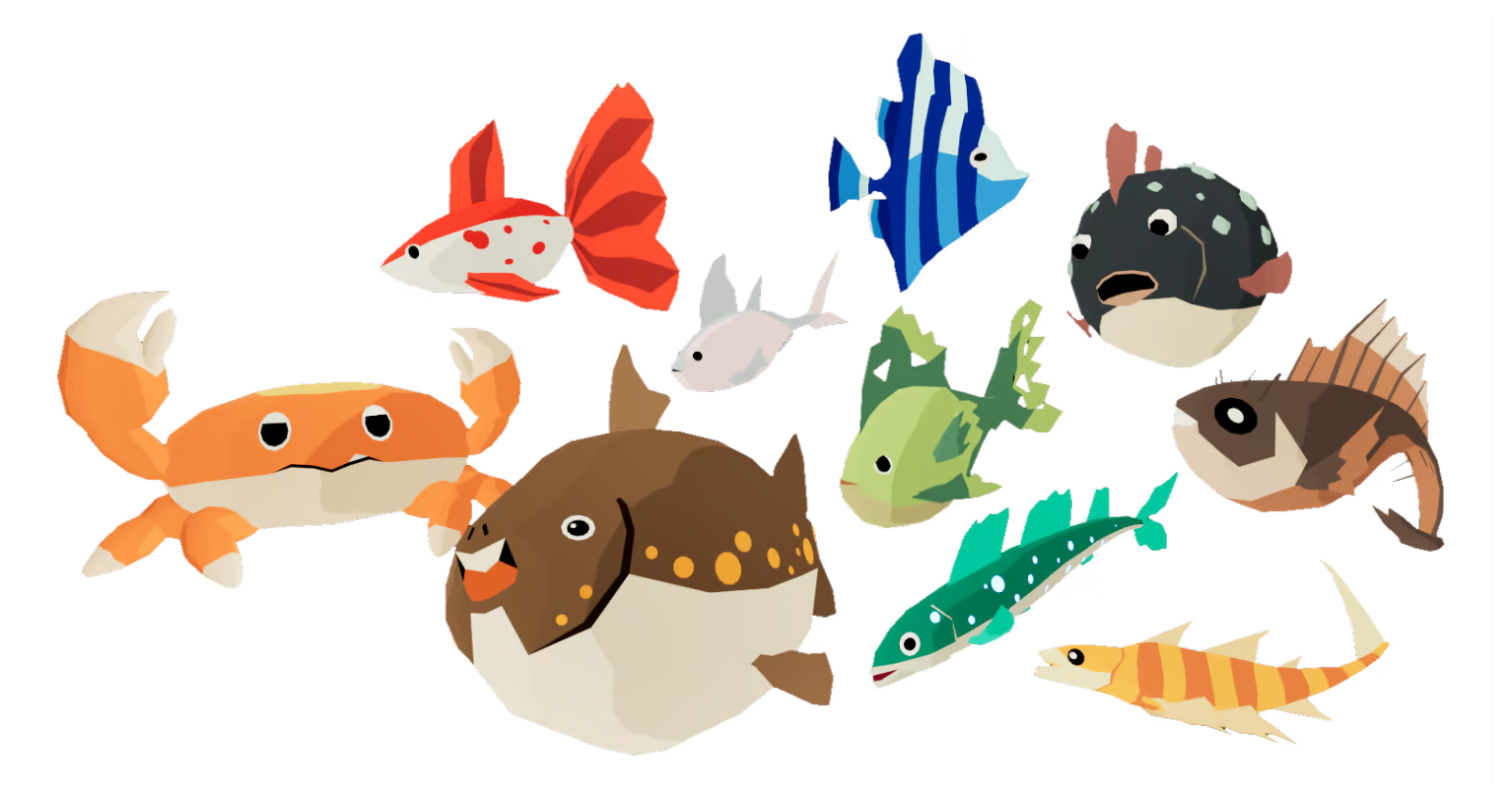
80+ Riftlings to catch: Not your regular fish! Some cute, some scary!
Collect artifacts & upgrades: Equip mysterious gear from the Rift to fish deeper and catch rarer creatures
Customize yourself: Your clothing, body, face, colors, voice, and unlock minigames
Paint canvases: Mix ink to make new colors, unlock brushes and save your creations
Create music: Compose music and play the guitar to your friends at the campfire
Fill the Riftpedia: Catalogue findings and specialties about the Riftlings
Complete expeditions: Hunt specific Riftlings and unlock unique rewards
System Requirements
Will my PC run this? →Minimum
- Requires a 64-bit processor and operating system
- OS: Windows 10 64-bit
- Processor: Intel Core i5-6600K / AMD Ryzen 5 1600
- Memory: 6 GB RAM
- Graphics: NVIDIA GTX 950 / AMD RX 560 (2GB)
- DirectX: Version 11
- Network: Broadband Internet connection
- Storage: 2 GB available space
Recommended
- Requires a 64-bit processor and operating system
- OS: Windows 10 64-bit
- Processor: Intel Core i5-8400 / AMD Ryzen 5 2600
- Memory: 8 GB RAM
- Graphics: NVIDIA GTX 1060 / AMD RX 580
- DirectX: Version 12
- Network: Broadband Internet connection
- Storage: 2 GB available space
Supported Languages
Latest news
Patch NotesOfficial
Demo Hotfix 0.3.30.2
Hotfix 0.3.30.2 liveAnother color hotfix. Fixed: Picked colors shouldn't update incorrectly anymore (if you typed in a value, sometimes the color changed slightly)Fixed: "Painting cursor size sets to default after changing palettes"Potential fix: Sometimes customization parts like ears would reset their color. I've stumbled upon the most likely cause. This should hopefully also be fixed now. Much loveRead full article on Community Announcements (glimmerloft)Patch NotesOfficial
Demo Hotfix 0.3.30.1
Hotfix 0.3.30.1 liveA small hotfix about colors. Plus I want to mention that I know the new props can be used in ways that can harass somebody else. It was a conscious trade-off I did to add some more content before the new world prop system gets implemented. The new system will provide more options and deal with cases like placing an item over a player, or blocking a certain spot or trapping a player. For now please use the Kick feature and as a host give others Moderator permissions so that they can kick a player who doesn't stop. Kicking will remove the players props from the world. If it does turn out to be too much trouble before the new world prop system, I'll add something (it's just that whatever I built will get replaced again, so it costs time). Also, I'm loving all the new screenshots and videos in the Discord! Also about the "No Eye Blinking" option: I'm aware the new option wasn't exactly what players were asking for. I've treated it as not having the character blink, but from feedback I've heard that players meant no blinking at all during other actions (emotes, expressions, etc). I will add this option as well. ColorsThe tooltip when hovering a color palette entry (the round buttons with color in them) shows the intended RGB value now.I also forgot to explain something in the update that fixed the hex code: The color-picker had a bug where the color systems didn't match. Some parts where in linear color space, and some in sRGB. This is now fixed, and hex, RGB and HSV all match each other and match standard photo editors. As a side effect some colors that were saved before the update might come back a bit different (usually brighter) than they used to. After you re-pick or adjust and re-save them it'll be stored correctly under the new system going forward. The Eye and Mouth recolor show all color options again for all elements. This was requested by multiple players for reasons like these colors being hidden, even tho character actions like fishing an...Read full article on Community Announcements (glimmerloft)Patch NotesOfficial
Early Access release delay into Q4 2026 + Demo Update 0.3.30
Update 0.3.30 live & Early Access release delay into Q4 2026 Hello fishers :)Q4 2026 delay Unfortunately I have to announce another delay, and once again I apologize. It's not like too much has changed from the previous delay, and most of the current progress is visible in the Demo itself, which will keep staying up. But I would like everyone to have a great time with the initial Early Access release. And giving myself some more time to properly develop the needed systems and especially content, as well as polishing and bugfixing, seems to be the best path to get there. I'd rather announce it now, than late again. The work holidays I've had recently were productive, but I also spent a lot of time simply doing nothing, staying away from the computer and trying to relax. I'm convinced the delay is best for the game and community. If the game releases in a better state, I believe the community will be larger and more active. I hope everybody can wait a little longerRead full article on Community Announcements (glimmerloft)Patch NotesOfficial
Demo Update 0.3.29
Update 0.3.29 liveHello fishers! :) Happy Pride Month everybody! Screen Percentage can now be set to as low as 25% for weaker hardware. Lower values cause visual problems and I'd need to look more into it. Very low values don't automatically result in a pixelated style.Fixed: Some equipment effect texts wrapping into a second line if the number is too large Much loveRead full article on Community Announcements (glimmerloft)Patch NotesOfficial
Demo Update 0.3.28
Update 0.3.28 live Edit: I just noticed these patch notes never got published one week ago D: Sorry! Hello fishers! :) Here are some more painting updates! For now I'm making a cut for painting features here and next work on the lobby and migration issues in regards to failing to join, seeing old data, players disappearing from the lobby list and hopefully one or two adjacent features in the process. TLDR: Painting disconnects and missing strokes fixed, plus other small painting fixesNew painting canvas history view and sequence savingNew Painterly style post process effectCustomization menu also features quick-save to palette nowSmall fixesPaintingFixes:The rare disconnects caused by painting should be fixed now. Instead of sending the next batch of paint data after 100ms, the system will now wait for the client to confirm that the data was received successfully and only then send new data. This also includes waiting for a potentially bad or temporarily dead connection. With this change I'll activate the automatic paint syncing again.The disappearing paint strokes should be fixed now. This was quite the hunt, the bug wasn't in the paint system itself, but related to an action cooldown in the player interaction. Your own paint strokes would paint because the actual drawing happened from the button being held. But they would only get sent to the server on this 0,5s action cooldown, therefore silently dropping this data.When using the Eyedropper, holding down the button won't automatically paint anymore after color picking"True colors" toggle on canvas control now also affects the previewed stroke and paint historyTwo new additions to the canvas control:A new "History" button: In this second view of the canvas you can look at all of the previous strokes that players added to the canvas. You can scrub through all of the paint strokes or use the button to go forwards / backwards by only one step. This history view also shows who added the currently shown paint stroke, w...Read full article on Community Announcements (glimmerloft)


