

Screenshots

 Watch trailer on Steam ↗
STRANGER SAGA -Stranger Bach and Iskiyeld's Ambition-
Retro Game Balance & Mechanics -レトロゲームの手応えとバランスを追求するデザイン工房- · Published by Retro Game Balance & Mechanics -レトロゲームの手応えとバランスを追求するデザイン工房-
Very Positive — 86% positive (229 reviews) · 32 achievements
Last updated 11 Oct 2026
"STRANGER SAGA" is a turn-based SRPG where you lead a resistance army against a mighty enemy force. Raise citizens into elite warriors and conquer challenging strategy battles!
£4.44
£8.24Lowest price we've ever recorded
View on SteamPrices can lag the live Steam store — always confirm before buying.
Price history
RPG, Simulation, Strategy · 2025 · More under £5 games
Lead your resistance army through strategic battles in STRANGER SAGA, a 2025 RPG and simulation game from Retro Game Balance & Mechanics. Transform common folk into elite fighters and conquer challenging enemy forces.
About this game
■The highly rated SRPG "STRANGER SAGA," which ranked high on Japanese distribution sites, is finally coming to Steam!
Train ordinary citizens into elite warriors and overcome fierce tactical battles!
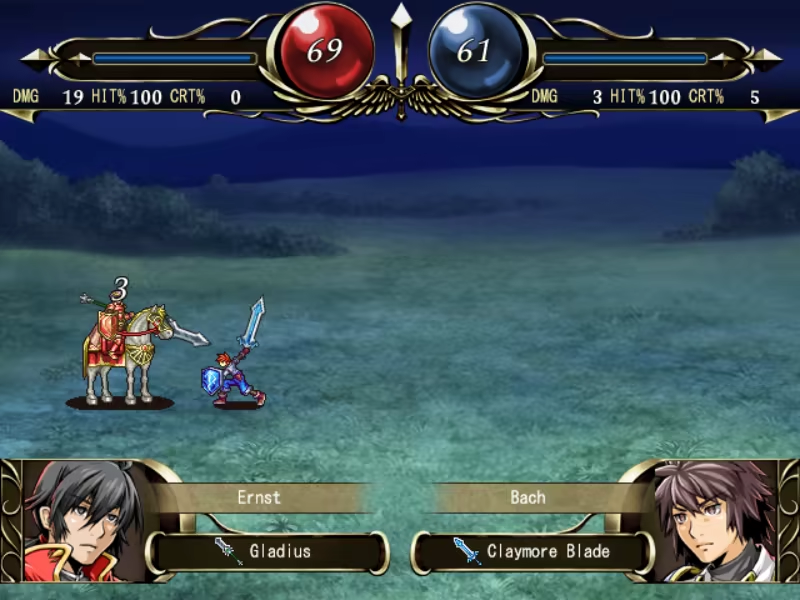
"STRANGER SAGA" is a turn-based SRPG where you lead a resistance army against a mighty enemy force.
The key to victory lies with the "Civilians"—ordinary people with extraordinary potential.
Civilians start off weak but possess immense hidden abilities that unlock powerful combat skills as they grow.
You are free to choose each Civilian's class path: Knight, Soldier, Scout, Barbarian, Archer, or Mage.
Build the ultimate team of your own design!
■A safe and beginner-friendly SRPG experience!
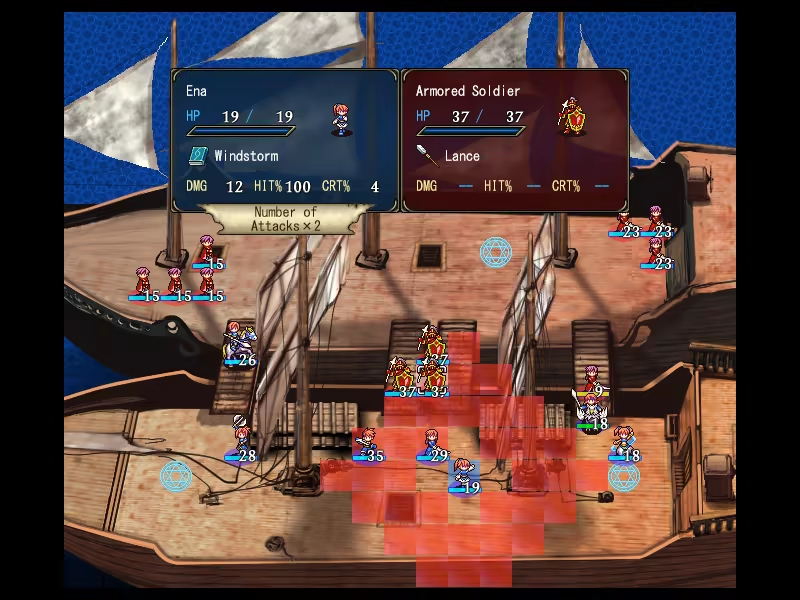
Reliable turn-by-turn saving system.
Units reduced to 0 HP in battle can return in the next stage without major penalties.
Even if you are defeated, you can carry over earned experience points and money, allowing you to retry and grow stronger after each attempt—victory is always possible.
No penalties for the number of continues.
However, your total turn count will be recorded. If you love optimizing for minimum turns, try challenging yourself!
(*Note: There are no unlockable features based on total turn counts.*)
■Jump into the action with an opening scene that ends in just 20 seconds!
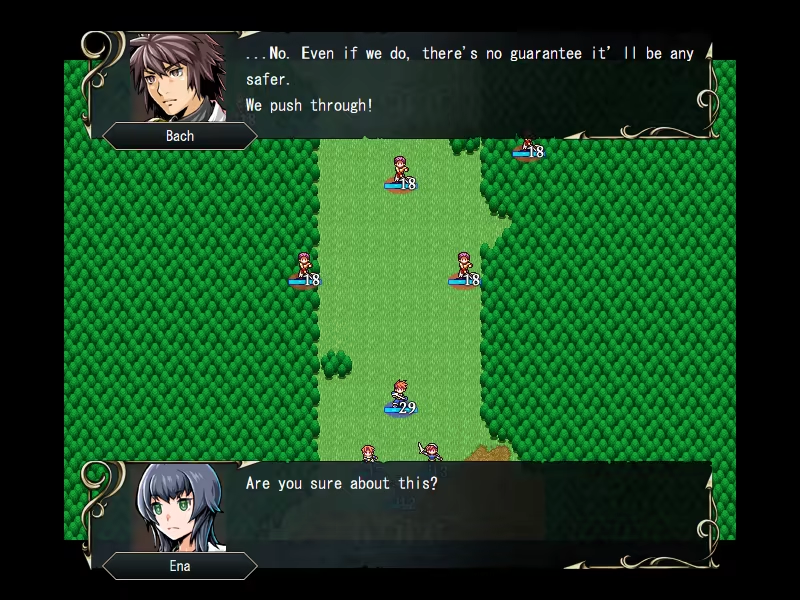
Perfect for players who want to dive into gameplay without long introductions!
6 chapters, 47 stages in total.
24 unique allies to recruit.
Each character gets an individual epilogue after the ending.
Expert Mode unlocks after clearing the main game!
■ Save Data Transfer Supported from Demo
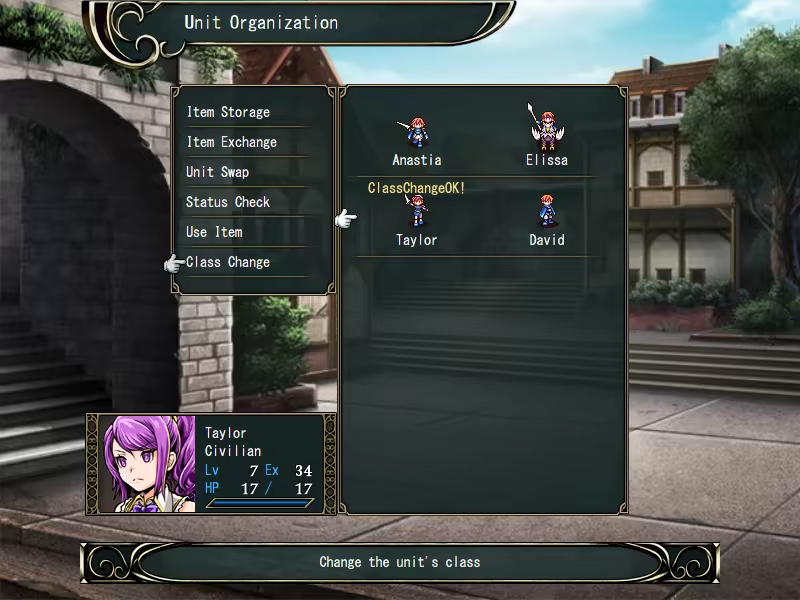
The demo lets you play up to Stage 15!
If you purchase the full version, you can continue with your save data from the demo.
■ How to Transfer Save Data
Simply copy the "Save" folder from the demo folder to the full version's game folder.
■ About Gameplay Videos
Feel free to share gameplay videos.
However, please refrain from using in-game assets or media on their own, such as playing only the BGM without gameplay.
- Controls -
Confirm …… Left Click / Enter / Z
Cancel …… Right Click / X
Quit Game …… Esc
Toggle Fullscreen Mode …… F4
- In-Stage Controls -
Move Cursor …… Mouse / Arrow Keys
Open Menu …… Left Click / Enter / Z on empty tile
Move/Attack …… Left Click / Enter / Z on unit tile
Toggle Enemy Range …… Right Click / X
Fast Forward …… X
■For those having trouble with a small window size
How to change the scaling settings in Windows:
Open the Settings app:
Click the Start menu, then click the Settings (gear icon).Select “System”:
In the left-hand menu of the Settings window, click System.Select “Display”:
In the System settings menu on the left, click Display.Adjust the scale:
Under Scale and layout, find the option "Change the size of text, apps, and other items", then use the slider or select a value from the dropdown menu.
Development Tool
SRPG STUDIO
System Requirements
Will my PC run this? →Minimum
- OS: Win 11/ 10
- Processor: Intel® Pentium® 4 2.0 GHz equivalent or faster processor
- Memory: 512 MB RAM
- Graphics: 1024 x 768 pixels or higher desktop resolution
- Storage: 300 MB available space
Supported Languages
Latest news
Patch NotesOfficial
Update Notice
・The default supported game controller setting has been changed from DirectInput to XInput. This change allows some game controllers that previously did not work to function properly.You can also revert to the game controller settings used before this update by opening game.ini in the game folder and changing the following line:GamePadDInput=1toGamePadDInput=0・For the Black Flare enemies appearing in Stages 37, 41, and 47, the battle animation has been changed so that a simplified version is used from the second attack onward.Read full article on Community Announcements (mst2004ver)AnnouncementsOfficial
Steam Deck Issue Fix Notice
An issue introduced in the January update that prevented the game from launching on Steam Deck has been fixed.We apologize for the inconvenience this issue may have caused.Read full article on Community Announcements (mst2004ver)AnnouncementsOfficial
Notice: Screen Resolution Change Feature Added
We’ve released an update that allows you to change the screen resolution.When you launch the game, a file named "game.ini" will be created.Open "game.ini" and change this line:HardwareFullScreen=0to:HardwareFullScreen=1Then restart the game. After that, you’ll be able to change the resolution from the in-game Settings/Options.Note: Enabling this setting will disable mouse input. You can play using a keyboard or a game controller.If you want to scale up the game while keeping mouse support, you’ll need to use Windows display scaling as before (e.g., changing the scaling percentage in Windows Settings).Please see the instructions on the store page for details.Read full article on Community Announcements (mst2004ver)Patch NotesOfficial
Bug Fix Notice
・Fixed a bug where the game could become unplayable after a game over on Expert or Hardcore difficulty.Read full article on Community Announcements (mst2004ver)Patch NotesOfficial
Update Notice
In Chapters 1–4, Civilians below Lv. 5 will gain +50 EXP at the end of the stage.From Chapter 5 onward, base classes below Lv. 5 will gain +50 EXP at the end of the stage.This EXP bonus will not cause an immediate level-up. EXP stops at 99.This is a relief measure for units that have fallen behind in levels and become difficult to train. These bonuses apply only on Safety and Normal difficulty.Fixed a bug where the battle background would not display on certain tiles.Read full article on Community Announcements (mst2004ver)


