

Screenshots

 Watch trailer on Steam ↗
SkyDungeon Shinobigaeshi Peak
KAZUNAO Game Studio · Published by KAZUNAO Game Studio
Positive — 100% positive (10 reviews) · 30 achievements
Last updated 28 Sept 2026
A tough 30–60 second ninja precision platformer built for fast retries, speedruns, and brutal custom levels. Master jumps, dashes, wall moves, and frog assists across 150+ bite-sized courses, then create and share your own trials through Steam Workshop.
£3.59
Lowest price we've ever recorded
View on SteamPrices can lag the live Steam store — always confirm before buying.
Price history
Action, Indie, Casual · 2026 · More under £5 games
Experience lightning-fast ninja precision in SkyDungeon Shinobigaeshi Peak. Jump, dash, and wall-run through over 150 challenging levels, then unleash your creativity by crafting and sharing custom trials on Steam Workshop.
About this game
A tough 30–60 second ninja precision platformer built around fast retries.
Master jumps, double jumps, dashes, wall jumps, wall dashes, and frog assists to clear 150+ bite-sized stages.
Challenge brutal stages, aim for faster clear times, or create your own levels with the built-in level editor and Steam Workshop support.
The Impregnable Dungeon! Shinobigaeshi Peak!
An impregnable dungeon.
For a thousand years, ninjas have dared to challenge the unforgiving peaks—
“Shinobigaeshi Peak.” Step in and face the mountain!
Discover the memories of countless adventurers, and watch their dramas unfold.
Simple action!
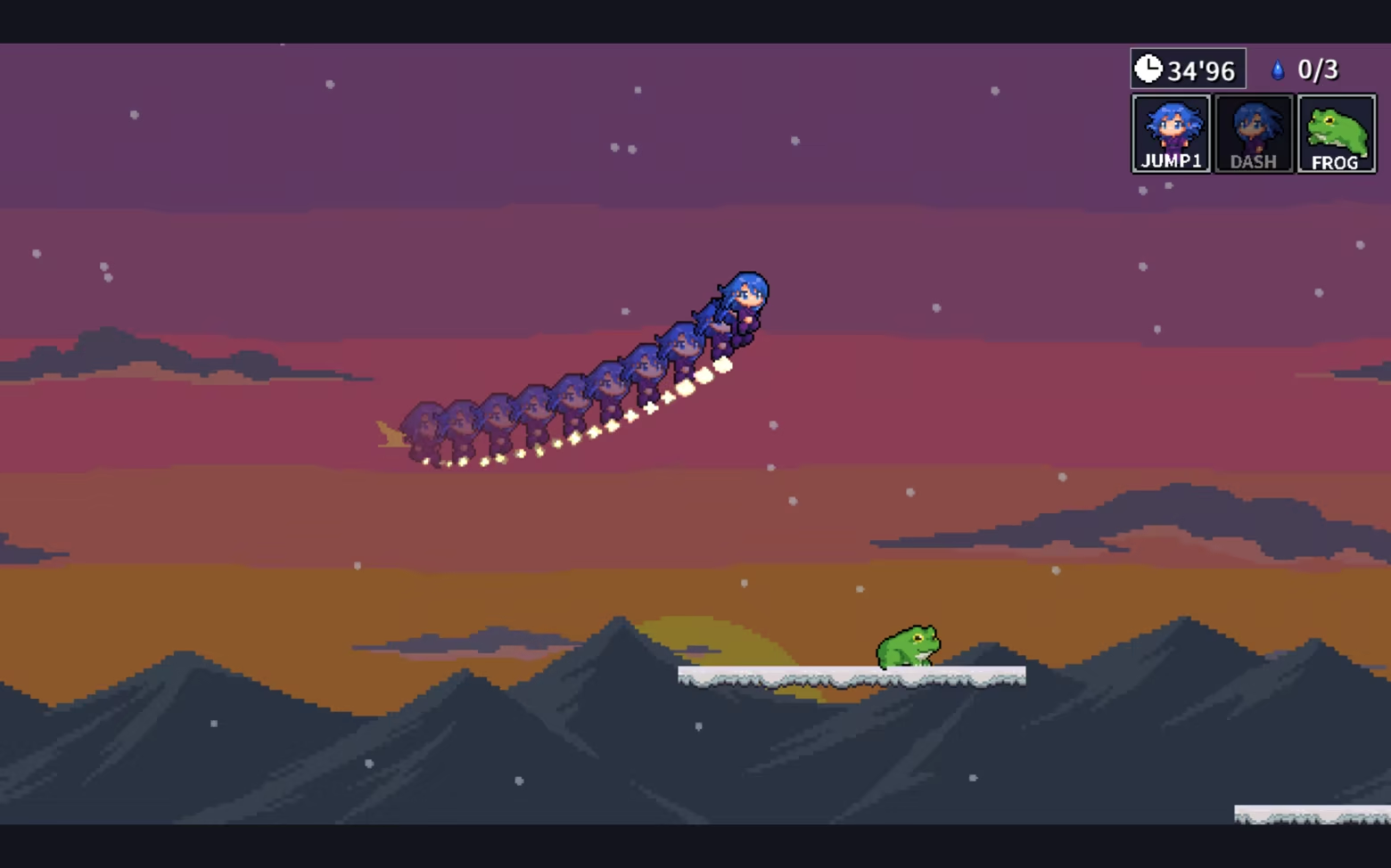
Use simple moves like jumping and double-jumping, dashing, wall jumps, and wall dashes to conquer an impregnable dungeon!
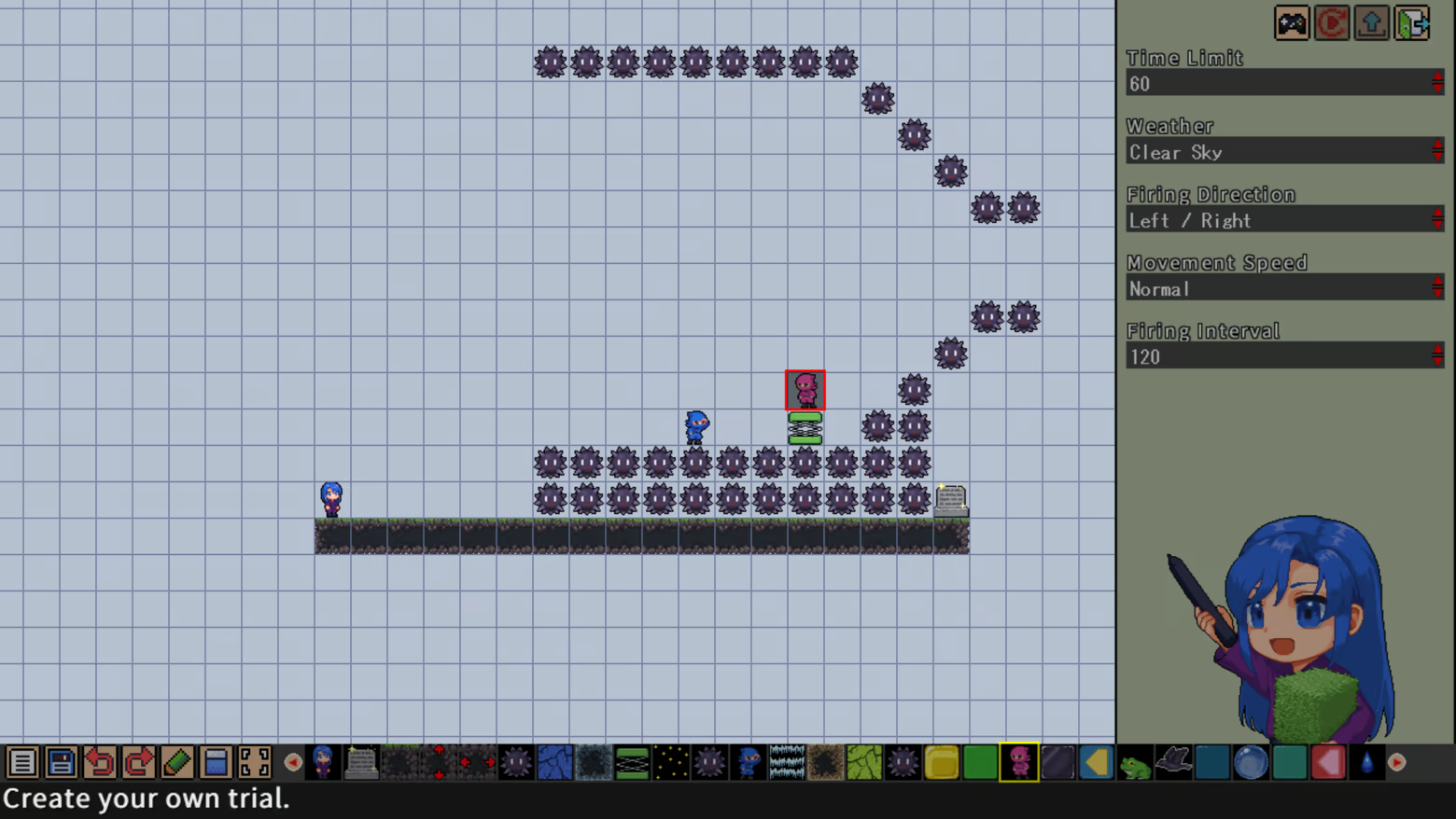
Create and share—an action game for everyone!
Use the in-game level editor to build your very own courses.
You can easily share the courses you create with players worldwide via Steam Workshop!
You can also upload a showcase playthrough—so share your best run and show off your skills!
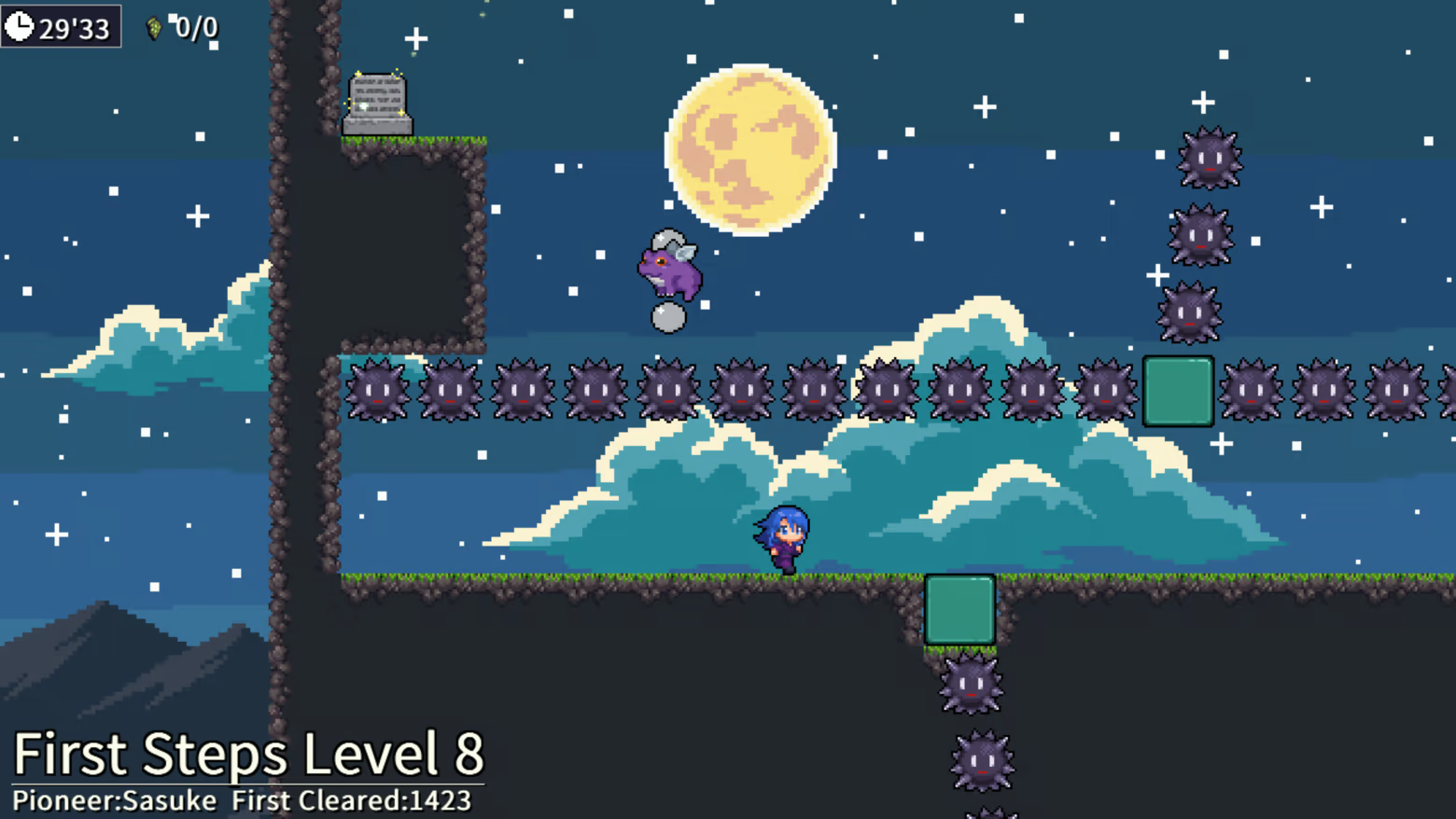
Over 150 spicy, bite-sized courses!
We’ve prepared 150+ “spicy” courses that won’t go down in one try—levels so tricky you’ll want to retry again and again♪
System Requirements
Will my PC run this? →Minimum
- Requires a 64-bit processor and operating system
- OS: Windows 10/11
- Processor: Dual Core 2.0 GHz (Intel Core i3 or equivalent)相当以上
- Memory: 4 GB RAM
- Graphics: Intel HD Graphics 4000 / DirectX 11 compatible (integrated graphics OK)
- DirectX: Version 11
- Storage: 200 MB available space
Recommended
- Requires a 64-bit processor and operating system
- OS: Windows 10/11
- Processor: Dual Core 2.0 GHz (Intel Core i3 or equivalent)相当以上
- Memory: 8 GB RAM
- Graphics: Intel HD Graphics 4000 / DirectX 11 compatible (integrated graphics OK)
- DirectX: Version 11
- Storage: 200 MB available space
Supported Languages
Latest news
AnnouncementsOfficial
Shinobigaeshi Dojo! Round 5 — Available on 6/12 (Fri.) at 11:00 PM!
Shinobigaeshi Dojo Day 5 Begins!“Shinobigaeshi Peak Dojo” is here! Starting at May 30 (Sat.) at 10:00 PM JST!, the following three trials/courses will be available on Steam Workshop!Dojo Trial Introduction!Easy: Frog Jump Tutorial!Let’s learn how to use the frog♪Normal: Castle in the SkyMake good use of the lightning symbols!Hard: the BabelUse the spikes as platforms!How to DownloadFrom the “Shinobigaeshi Peak Trailhead” menu, select “Take on Everyone’s Trials.” Next, select “Find Trials from Around the World.”Once the release time arrives, the trials included in this release will become selectable.Download them from here!Read full article on Community Announcements (KAZU_NAO)Patch NotesOfficial
Patch 1.1.3 has been released.
Patch 1.1.3 has been released. The following changes have been made: In the Options key settings, the Up, Down, Left, and Right settings now also apply to menu controls. In the Options key settings, the menu Confirm and Cancel settings now also apply properly. *To prevent unexpected key setting issues in menus, the default keys will remain available for menu controls even if the above settings are changed. Thank you for your continued support of SkyDungeon Shinobigaeshi Peak.Read full article on Community Announcements (KAZU_NAO)Patch NotesOfficial
Patch Notes 1.1.2
Patch Notes version 1.1.0 has been updated.The following changes have been made:Added and Updated Key BindingsYou can now configure the buttons and keys for movement during gameplay and for pausing during gameplay.Since movement buttons can now be changed, the key binding screen has been updated. You now first select the key or button you want to change, then press the new key or button to assign it.Thank you for your continued support of SkyDungeon Shinobigaeshi Peak.Read full article on Community Announcements (KAZU_NAO)Patch NotesOfficial
Patch 1.1.1 has been released.
Patch 1.1.1 is now available. The following bug fixes and additions have been implemented: Fixed an issue where the jump effect was not restored when obtaining a Dash Item.Replay data saved in version 1.1.0 or earlier will retain the behavior from those versions. Added support for assigning a “Restart” button from the Options menu.Due to the possibility of unintended behavior, this setting is disabled by default. Thank you for your continued support of Sky Dungeon Shinobigaeshi Peak.Read full article on Community Announcements (KAZU_NAO)Patch NotesOfficial
Patch Notes 1.1.0
Patch Notes version 1.1.0 has been updated.The following additions and fixes have been implemented.Added “Start an Easy Trial”We have added an Easy Trial mode that keeps the essence of each course while making it possible for players who are not confident with action games to clear them.Clearing a course in this mode will unlock areas, but it will not unlock achievements, update world record times, or grant Drops of the Sacred Peak. Added a Good button and recommendation indicators to “Everyone’s Trials”In Everyone’s Trials, you can now press the Good button using the Start button.Due to Steam Workshop specifications, once you press the Good button, it cannot be undone.Popular courses that have been played many times will now display a gold mark. Added more key binding optionsYou can now bind keys and buttons that were previously unavailable, such as CTRL, SHIFT, LT, and RT.Fixed an issue where uploading a custom trial could fail in some cases.Thank you for your continued support of SkyDungeon Shinobigaeshi Peak.Read full article on Community Announcements (KAZU_NAO)


